Legal Automation Software

Legal Automation Software for Case Updates, Messaging & Client Guidance

Stop repeating the same tasks. Start automating them. Case Status Automations deliver timely updates, personalized reminders, and guided next steps — all triggered by real case activity. Your team stays focused on higher-value work while clients stay fully informed.
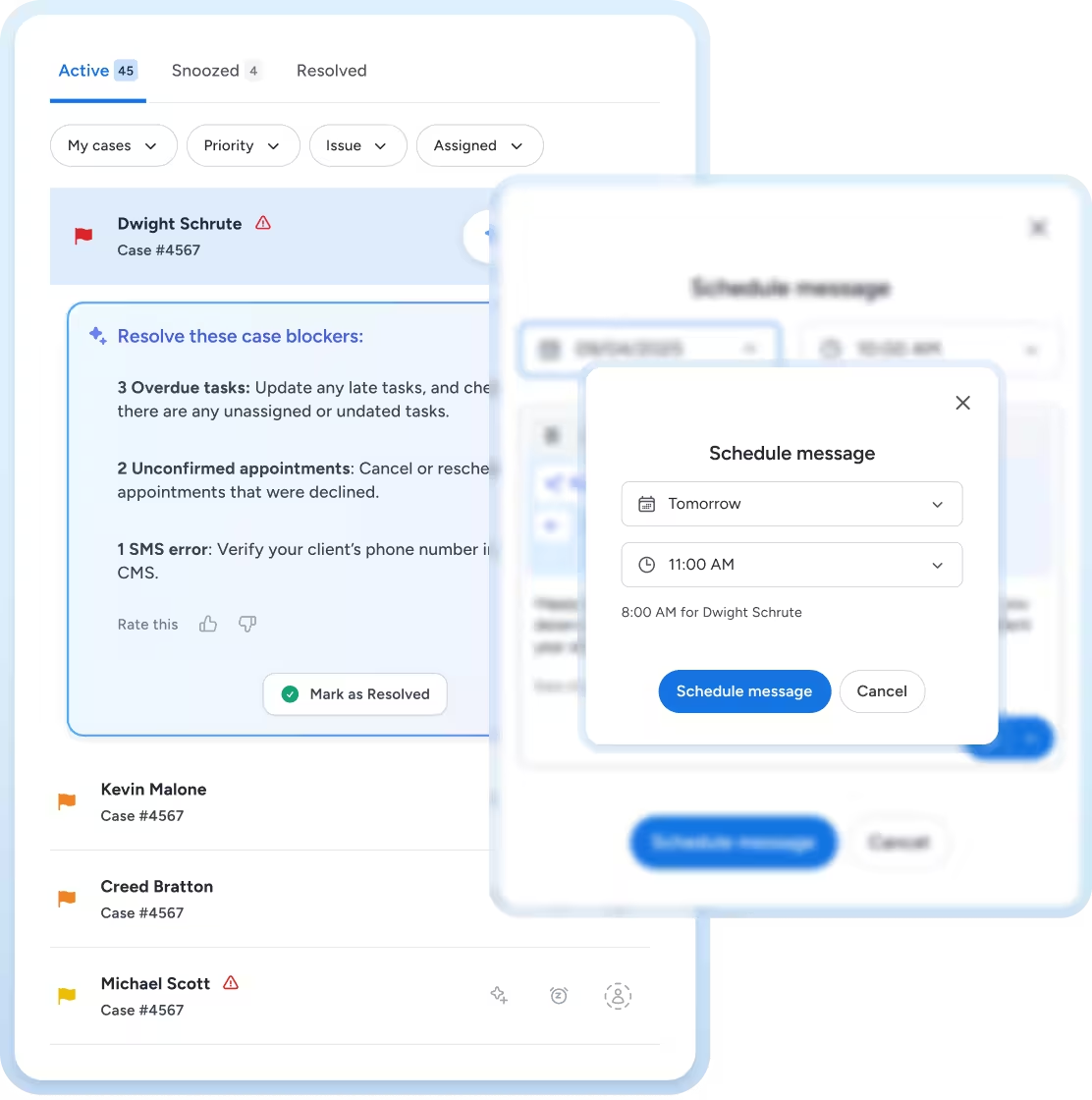
Task management interface showing active cases including Dwight Schrute with overdue tasks, unconfirmed appointments, and an SMS error, and a pop-up to schedule a message for tomorrow at 11:00 AM.
Smooth gradient background transitioning from light blue at the bottom to dark blue near the top.

Update, Remind, and Guide. It’s That Simple.

Automatic Status Updates

As cases progress, updates are sent automatically with no staff effort required. Clients feel informed. Your team feels relieved.

Intelligent Messaging Triggers

Appointment reminders, document requests, case stage explanations, and more happen automatically based on live case activity.

Automated Video Messages

Record once. Send automatically when relevant.
Clients get clarity in your own words — without scheduling calls.

Keep Every Client Informed Without Lifting a Finger

Stage-Based Updates
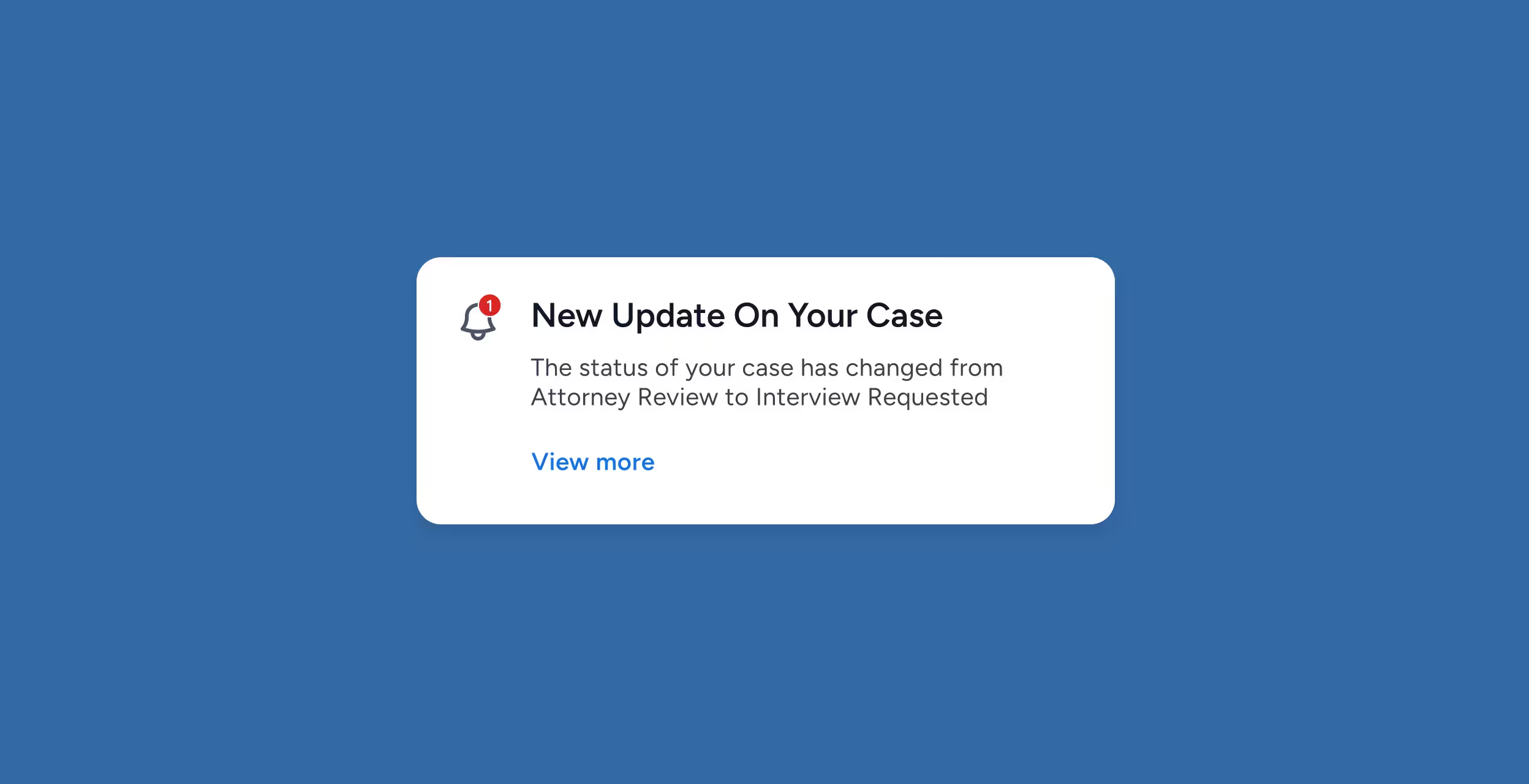
Triggered the moment a case enters a new stage.
Notification card stating 'New Update On Your Case' with message about case status changing from Attorney Review to Interview Requested and a 'View more' link.

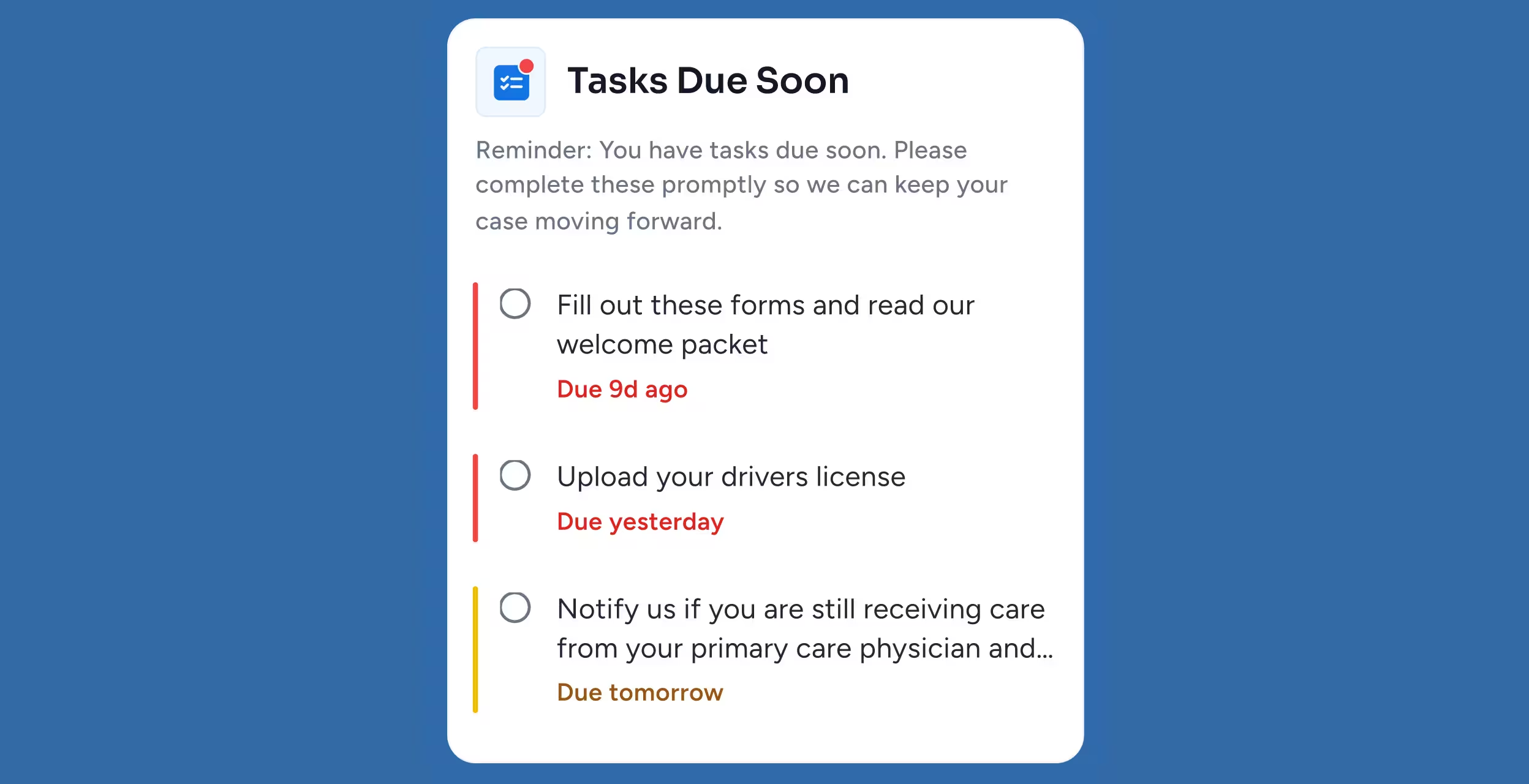
Document Requests

Automated nudges to keep cases moving.
Task reminder list with three items due soon: fill out forms (9 days overdue), upload driver's license (due yesterday), and notify if still receiving primary care (due tomorrow).

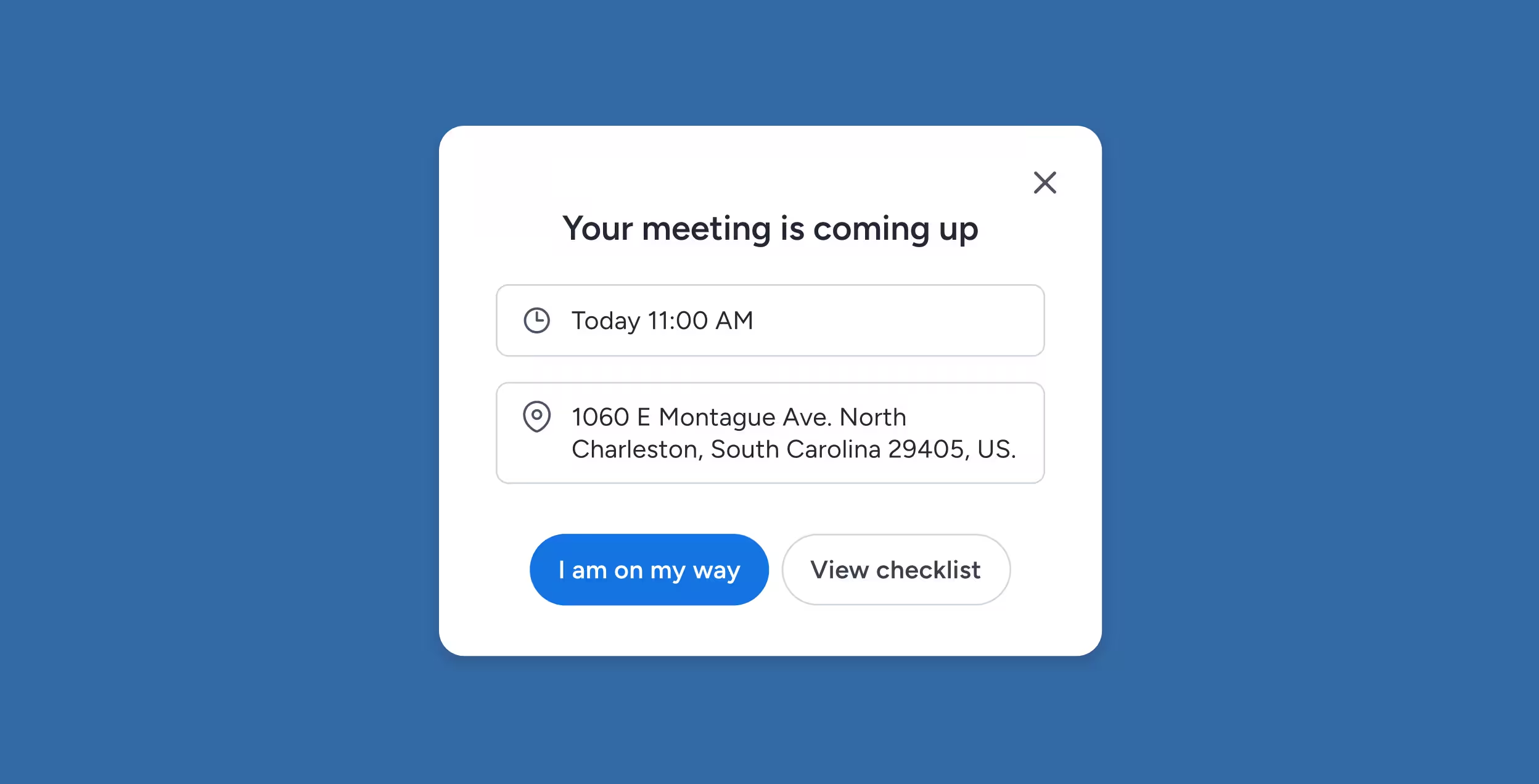
Appointment Reminders

Reduce no-shows and delays.
Meeting reminder popup showing meeting time as Today 11:00 AM and location at 1060 E Montague Ave, North Charleston, South Carolina, with buttons 'I am on my way' and 'View checklist'.

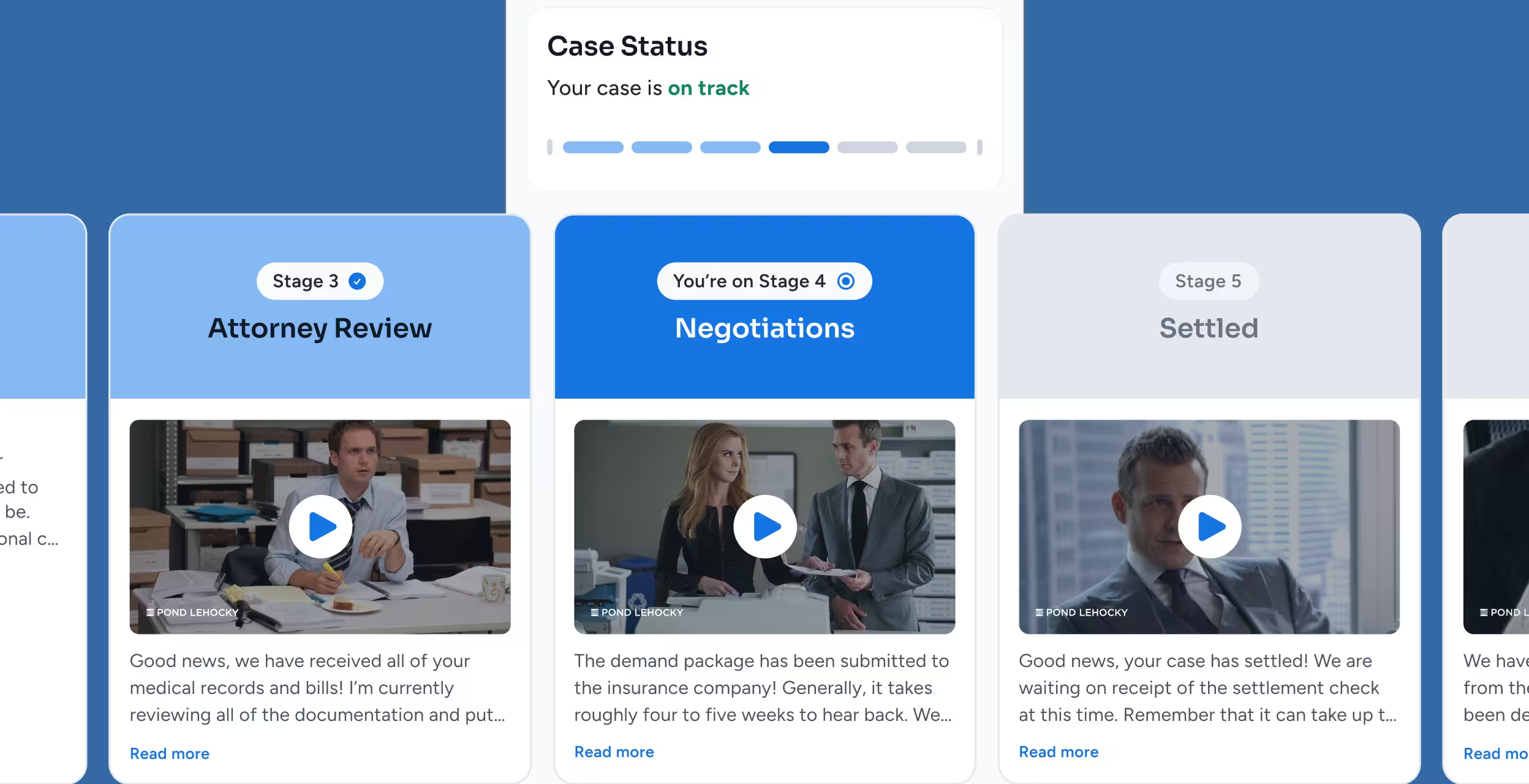
Video Automations

Pre-recorded explanations that build trust.
Case status dashboard showing stages 3 to 5: Attorney Review with a man at a desk, Negotiations with a woman and man discussing, and Settled with a man in a suit.

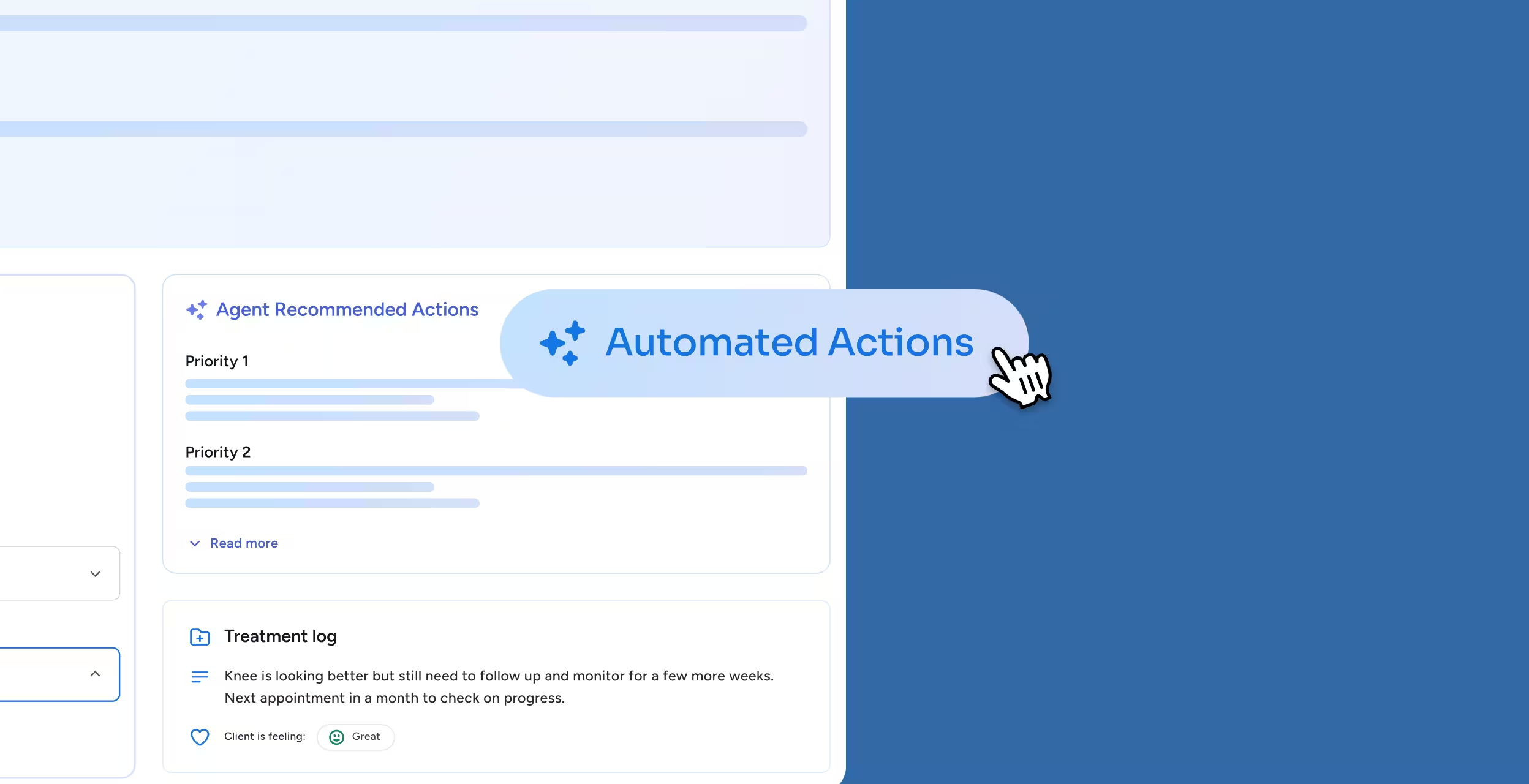
Smart Logic

AI tailors automation sequences based on client engagement.
User interface showing a section titled 'Agent Recommended Actions' with priorities and a 'Treatment log' noting client knee improvement, next appointment, and client feeling as great, with a cursor pointing to a button labeled 'Automated Actions'.

Reduced Workload

Firms eliminate 80% of manual outbound communication.
Dashboard showing firm reviews increased by over 800% and 189 emails sent with a 90% decrease.

Give Staff Focus. Give Clients Clarity.

No More Manual Follow-Up

Let your system deliver next steps while your team handles the work that matters.

Clearer Client Expectations

Automated checklists and reminders reduce confusion.

Consistent Experience

Every client receives the same high-quality communication.

Proactive Guidance

Clients know exactly what to do, when to do it, and why.

Automations FAQs

What communications can be automated?

Status updates, reminders, document requests, video explanations, introductions, next steps, checklists, and more.

Can automations be customized?

Yes. Firms control triggers, messages, timing, and content.

Do automations replace personal communication?

No. They handle repetitive tasks so staff can focus on meaningful conversations.

Can automations send videos?

Absolutely. Upload or record once and deliver automatically at the right moment.

Does AI influence automation timing?

Yes — Client Intelligence adapts based on client engagement, urgency, and behavior.

Respond Faster.
Build Stronger Relationships.

Automations enhance your client experience while removing unnecessary workload. Every update is timely. Every reminder is precise. Every client feels supported.