Secure Legal Messaging Software

Secure Legal Messaging Software Built Into Your Case Management System

Keep every message in one unified, secure place. With Case Status Messaging, your clients communicate directly inside your branded platform — not across text, email, or phone. AI-supported replies, translation tools, and document scanning make communication effortless for both sides.
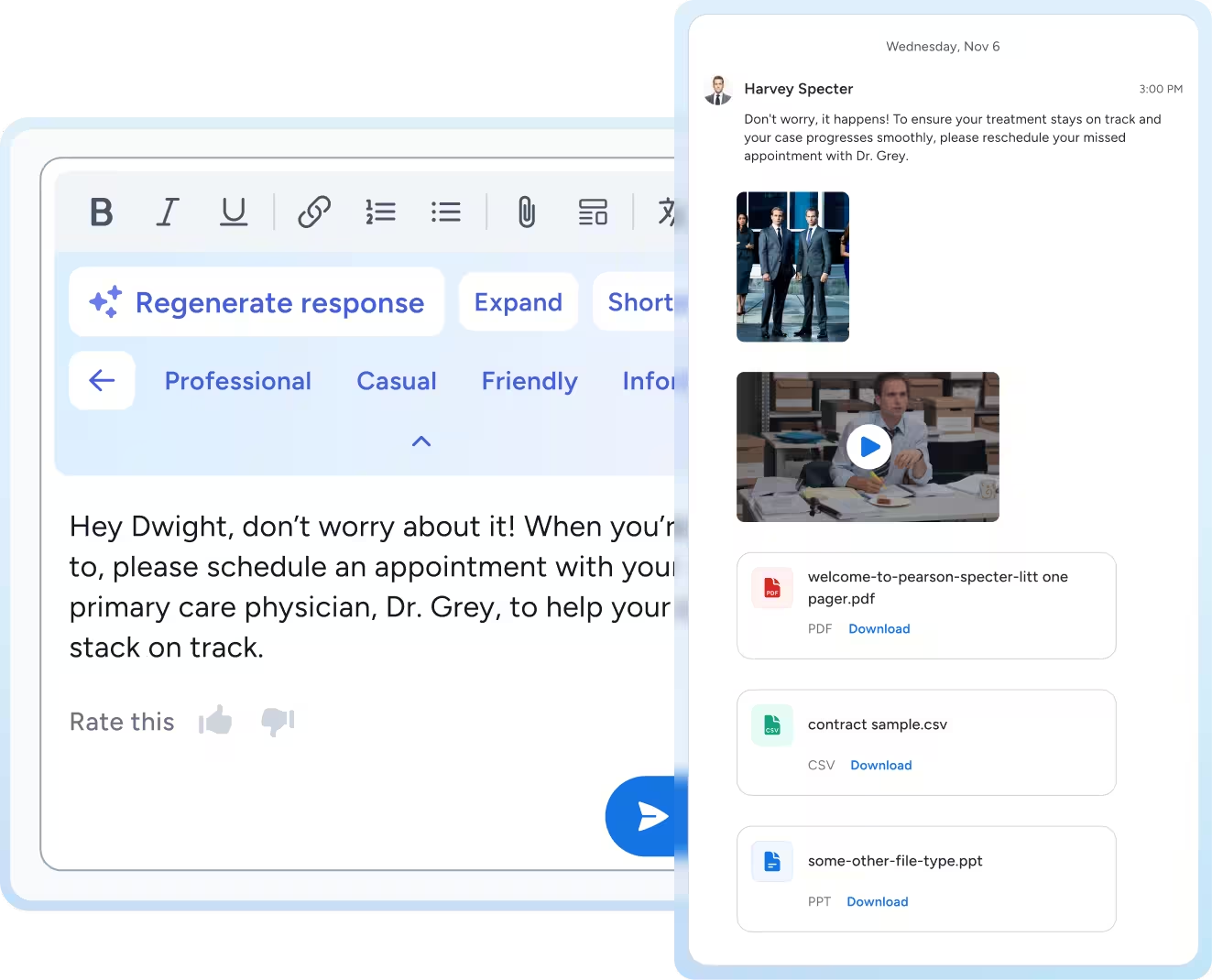
Messaging interface showing a reply to Dwight about scheduling an appointment with Dr. Grey, with options for professional tone and attachments including a PDF, CSV, and PPT file.
Smooth gradient background transitioning from blue to turquoise.

Message, Translate, and Send. It's That Simple.

Secure 1:1 & Bulk Messaging

Encrypted messaging keeps all conversations centralized.
Bulk announcements allow you to reach many clients at once.

AI-Supported Drafting

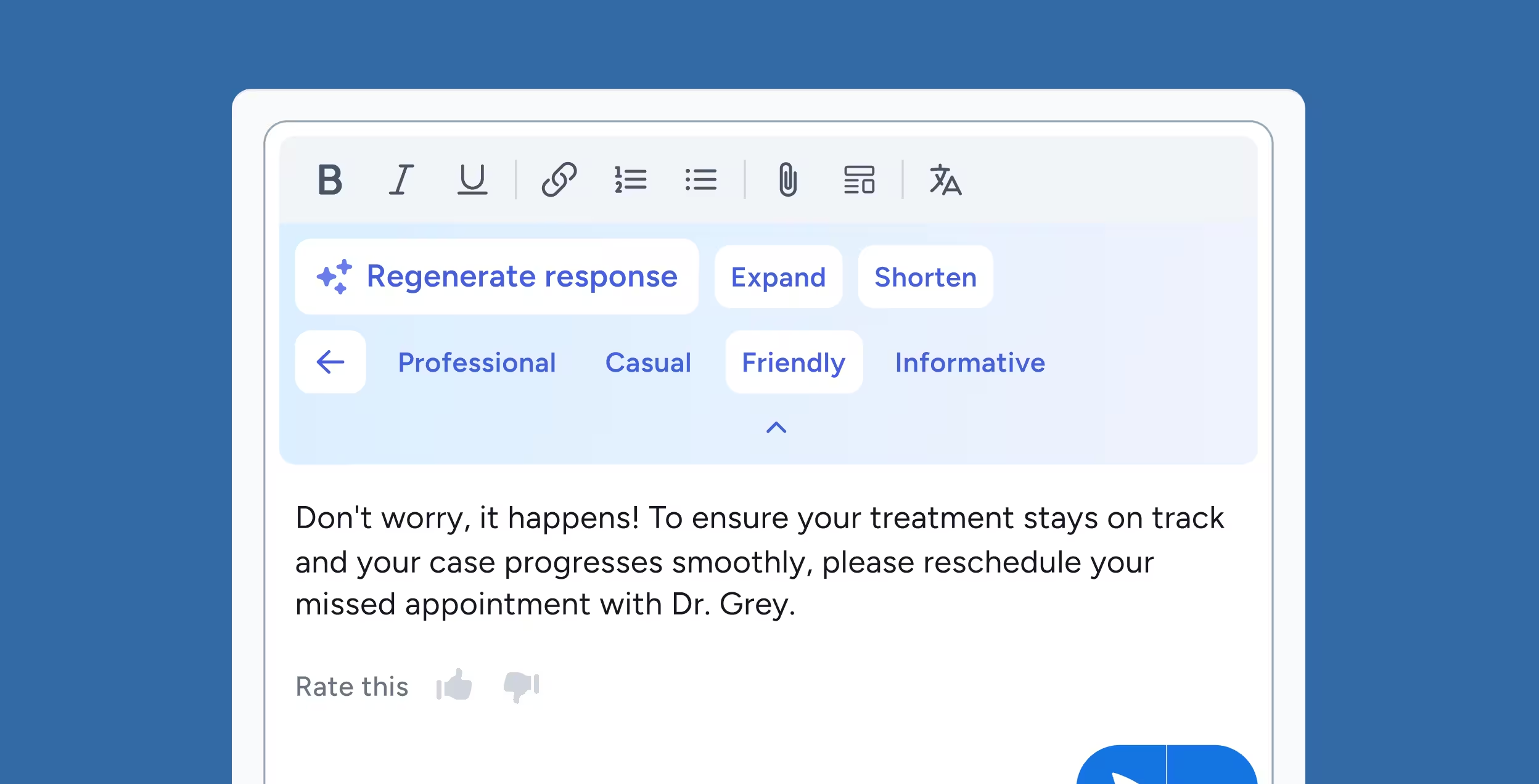
Client Intelligence suggests drafts and tone variations to speed up communication while keeping it personal.

File, Scan & Video Support

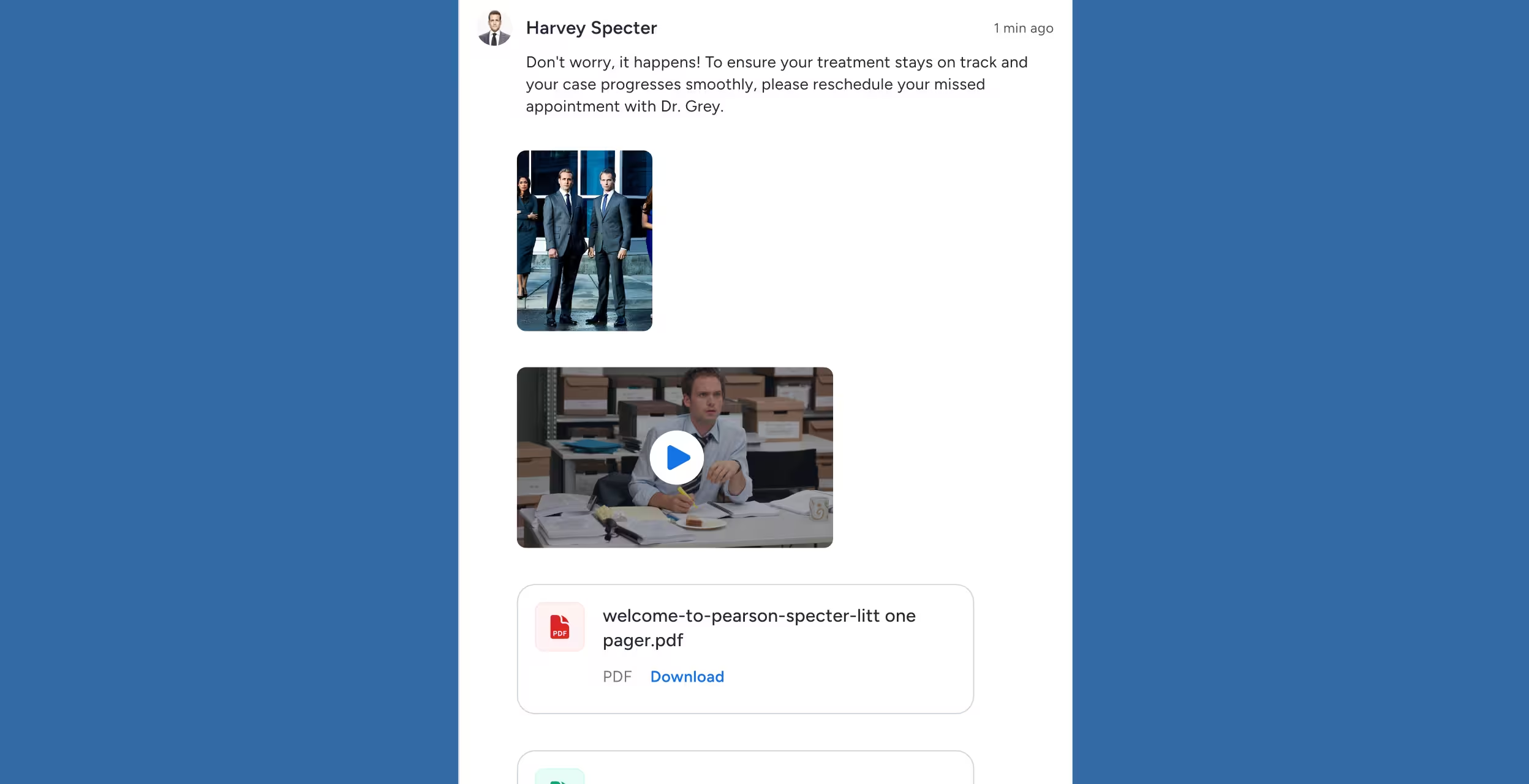
Clients can upload documents, scan IDs, or send video messages directly through the app.

Centralized Messaging That Reduces Noise and Increases Clarity

Secure, Encrypted Messaging
SOC 2 Type II-compliant communication replaces text and email.
Blue shield icon with the text 'SOC 2 Type II' in white at the center.

CMS-Integrated

Everything syncs with your Case Status platform and extensions.
Two white circles with blue icons connected by double arrows on a blue background, showing a sync symbol on the left and a briefcase on the right.

AI Draft Support

Improve accuracy and speed without losing personal tone.
Screenshot of a text editor with formatting tools and tone options, displaying a friendly message advising to reschedule a missed appointment with Dr. Grey.

Full Translation

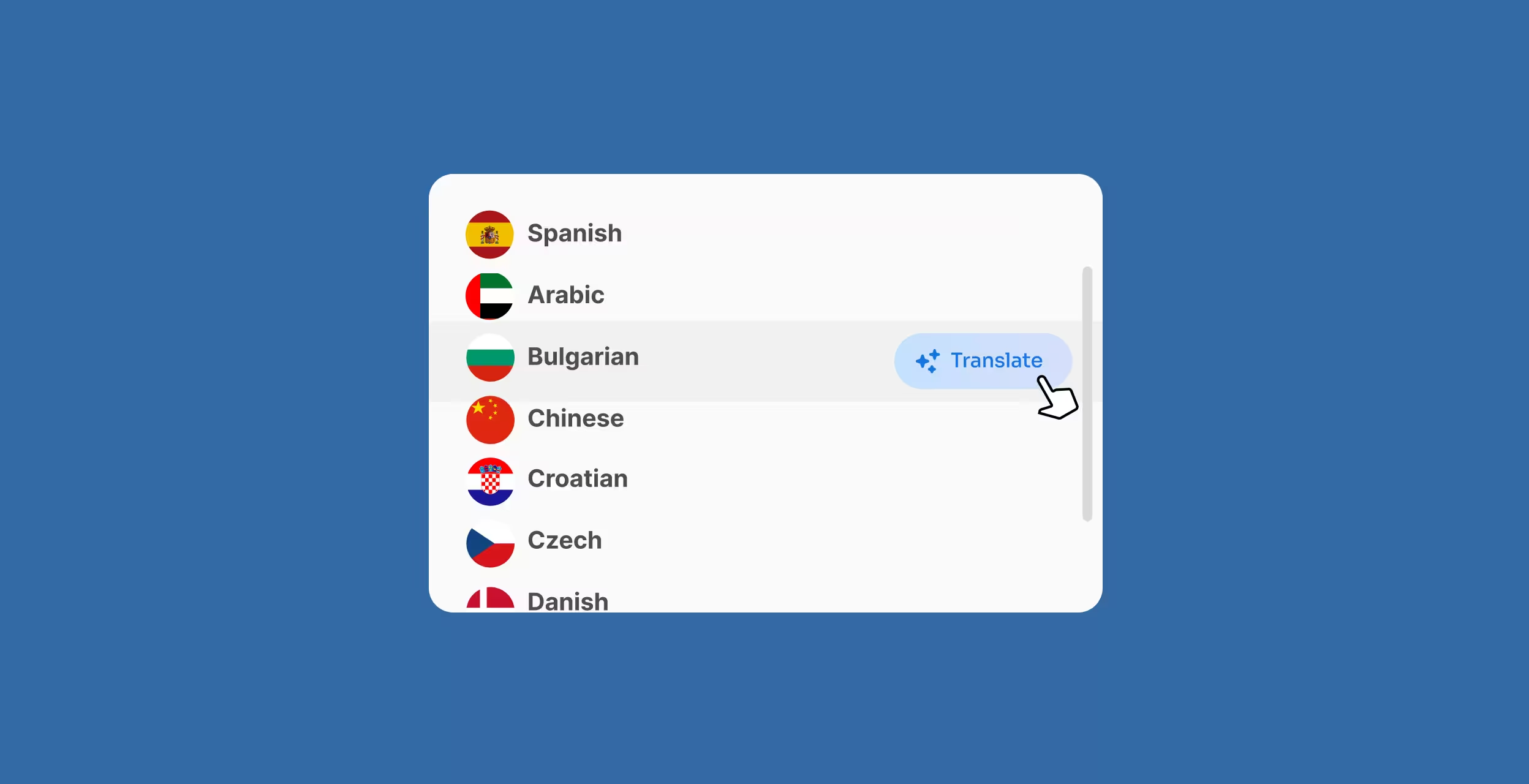
140+ languages instantly translated both ways.
Language selection menu showing options including Spanish, Arabic, Bulgarian with a cursor clicking the Translate button next to Bulgarian.

Bulk Messaging

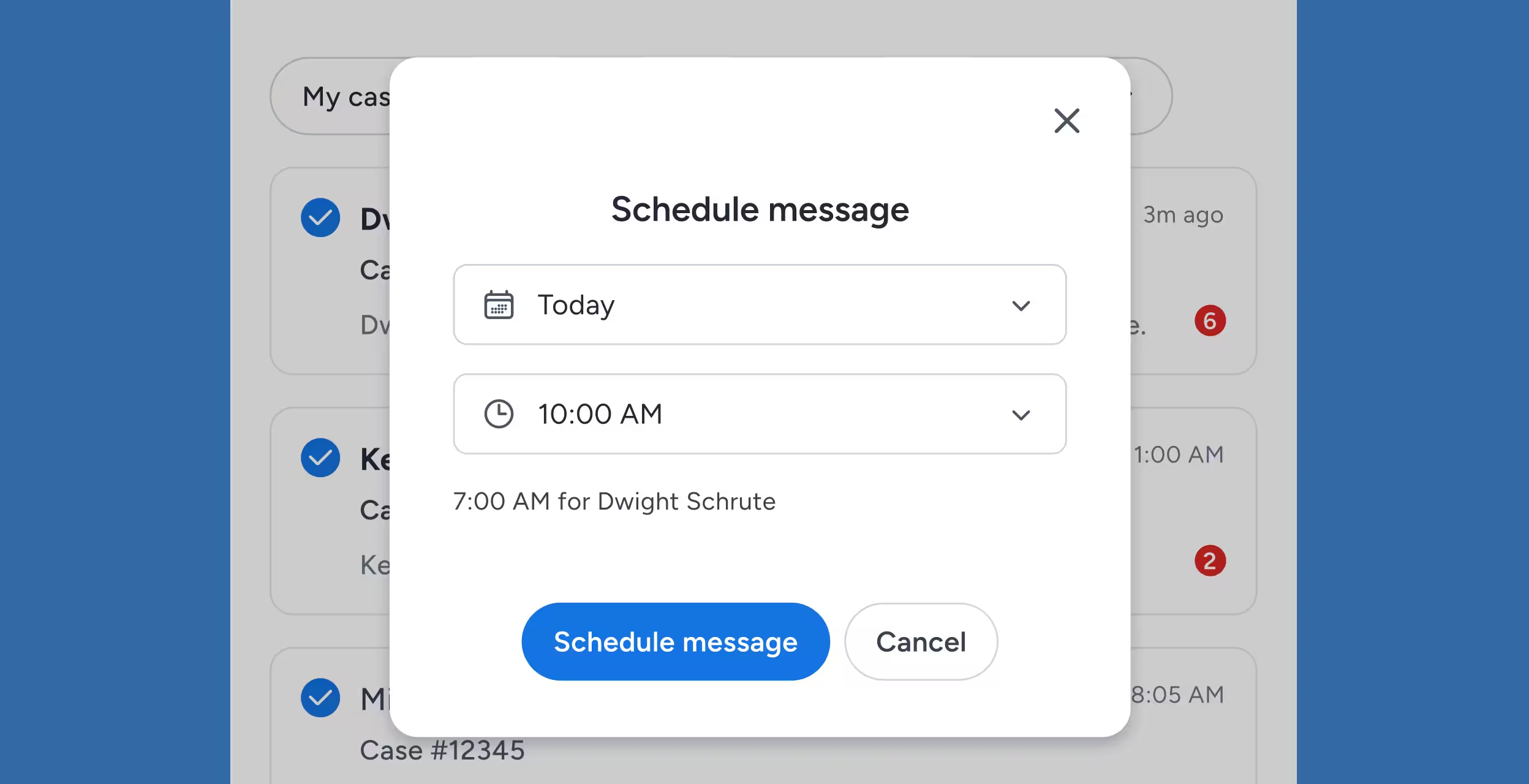
Send updates to hundreds of clients at once.
Popup window to schedule a message with options to select date as Today and time at 10:00 AM, showing 7:00 AM for Dwight Schrute, with buttons to schedule message or cancel.

Document & Photo Uploads

Clients can scan, attach, and respond without friction.
Message from Harvey Specter advising to reschedule a missed appointment with Dr. Grey, accompanied by an image of two men in suits and a paused video of a man at an office desk, plus a downloadable PDF file.

A Single Source of Truth for Every Conversation

No Missed Messages

Clients communicate through one channel — not dozens.

Improve Case Velocity

Faster responses mean fewer stalls and smoother progress.

Better Team Coordination

Everyone sees the full communication history.

Modern Client Expectations Met

Clients message the way they live — mobile-first.

Legal Messaging Software FAQs

Is messaging through Case Status secure?

Yes. All communication is encrypted and protected according to industry security standards. Client information never leaves the Case Status ecosystem.

Do clients need to download an app?

Clients can message through the mobile app or the secure mobile browser version — whichever they prefer.

Can multiple team members reply to the same client?

Yes. All authorized staff can view and respond within the same conversation without losing context.

Does messaging integrate with case management systems?

Absolutely. Messages sync through Case Status’s integrations and connect directly to the case file.

Can clients upload documents or photos in messages?

Yes. Clients can securely upload important files directly in the messaging interface, and they are added instantly to the case record.

Respond Faster. Build Stronger Relationships.

Clients get quick, clear, guided communication. Staff get fewer interruptions, fewer calls, and less stress. Your firm gets stronger relationships and improved outcomes.