Legal Translation Software

Communicate with every client in their preferred language, instantly.

Translate CI from Case Status is the new generation of legal translation software, removing language barriers by automatically translating messages in more than 141 languages.The result?

Every client feels understood, respected, and included.
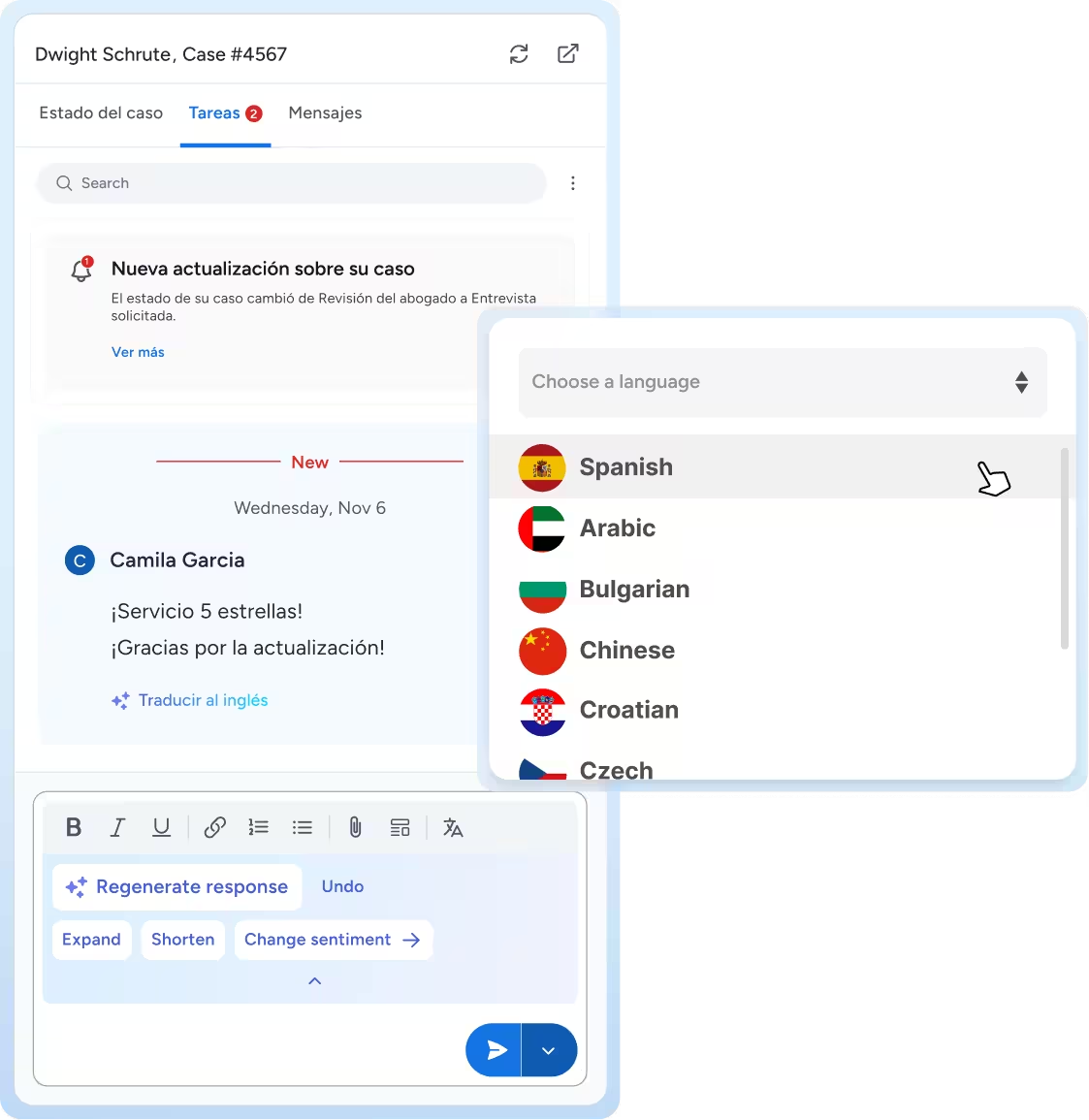
User interface showing a case update in Spanish for Dwight Schrute, with a new task message from Camila Garcia praising the service and an option to translate the message to English, alongside a dropdown menu to choose languages including Spanish, Arabic, Bulgarian, Chinese, Croatian, and Czech.
Soft gradient background transitioning from light blue at the bottom to pale blue and white at the top.

Compose, Translate, and Send. It’s That Simple.

Staff Composes in English

First, your team should write each message as they usually would, naturally and in English. Translate CI works within the messaging platform, so there’s no need to copy and paste text into another tool.

AI Provides Instant Translations

After a message is written, click the translate button, and select from 141+ options to find the client’s preferred language. The AI will output accurate, context-appropriate translations standard in legal communications.

Clients Respond in Their Language

Not only do clients receive messages in their preferred language, but they can respond in their language of choice, too. These messages will be automatically translated back to English for staff, creating accurate multilingual communication.

Translate Without Losing Accuracy

Comprehensive Language Support
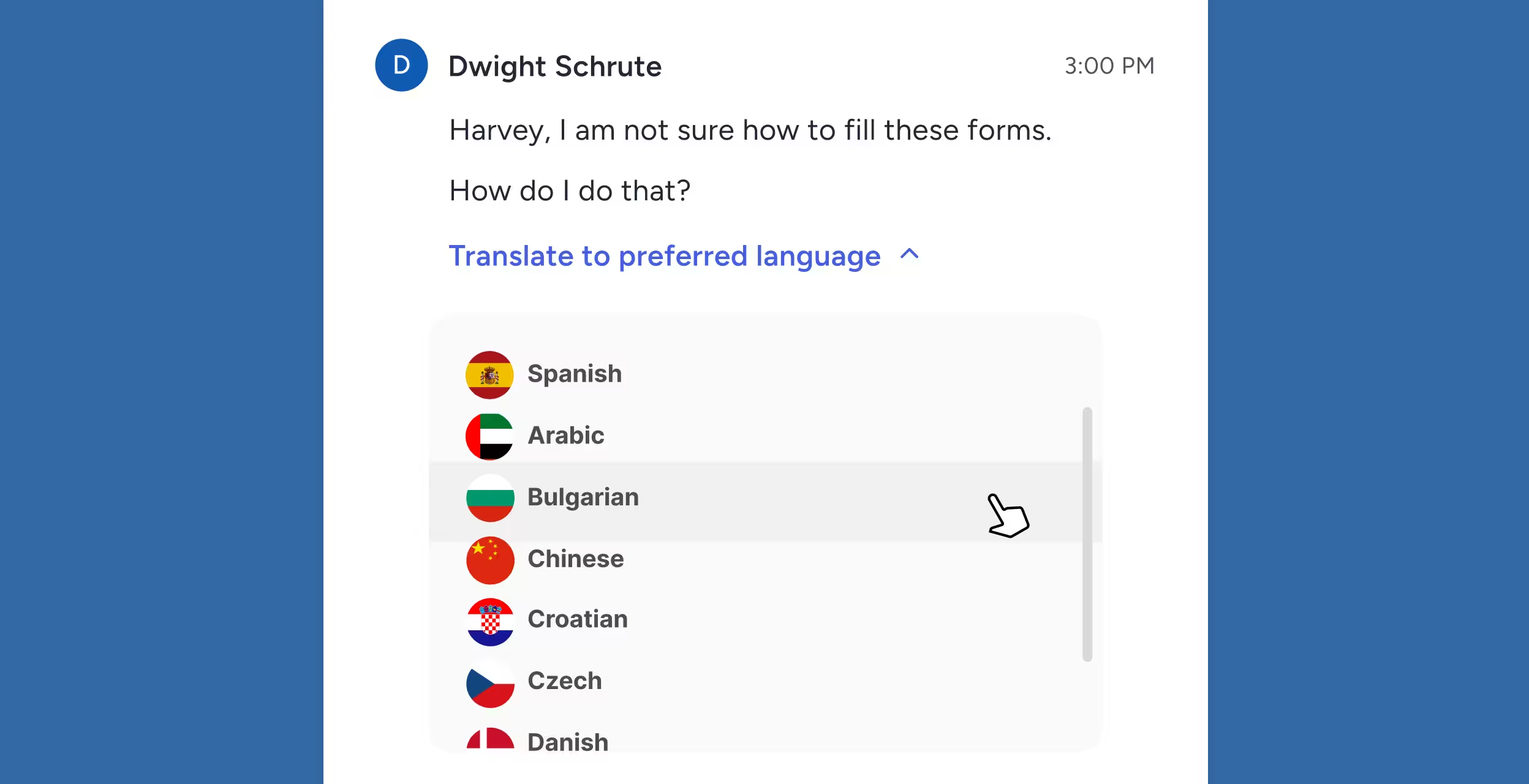
Choose from over 141 languages, including Spanish, Mandarin Chinese, Arabic, Vietnamese, Tagalog, Korean, Russian, and all other major global languages.
Chat message from Dwight Schrute asking for help filling forms, with a language selection dropdown showing options like Spanish, Arabic, Bulgarian, and Chinese.

Real-Time Two-Way Translation

Messages composed in English can be translated into any language in the database, and responses will be translated back into English for staff to respond.
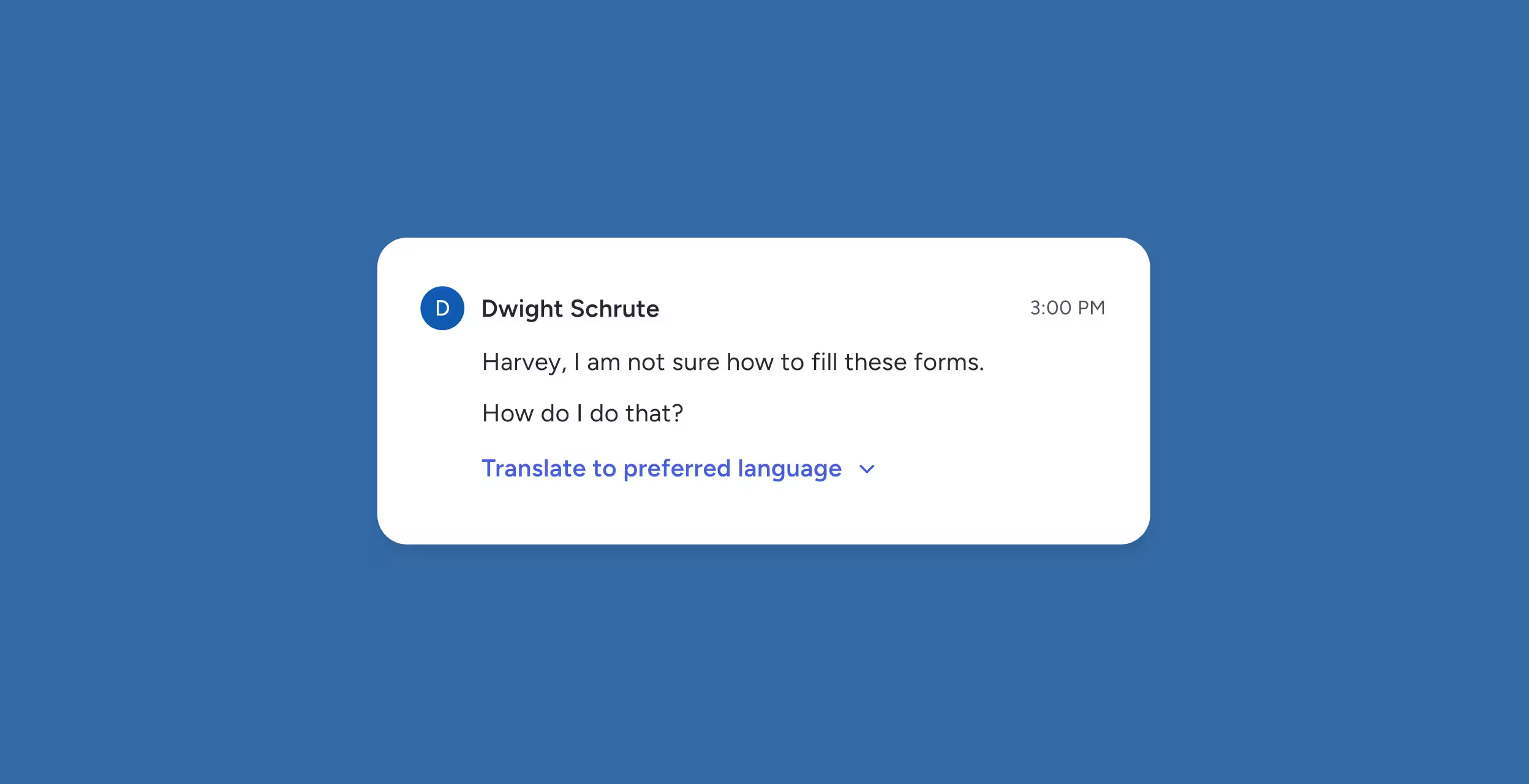
Message from Dwight Schrute at 3:00 PM saying he is unsure how to fill forms and asks for help, with a prompt to translate to preferred language.

In-Platform Translation Interface

Translate CI appears as a “Translate” button in Case Status’s message editor for 1:1 messages, bulk updates, and automated communications.
Blue Translate button with sparkle icon on light blue rounded rectangle against dark blue background.

Preview Before Sending

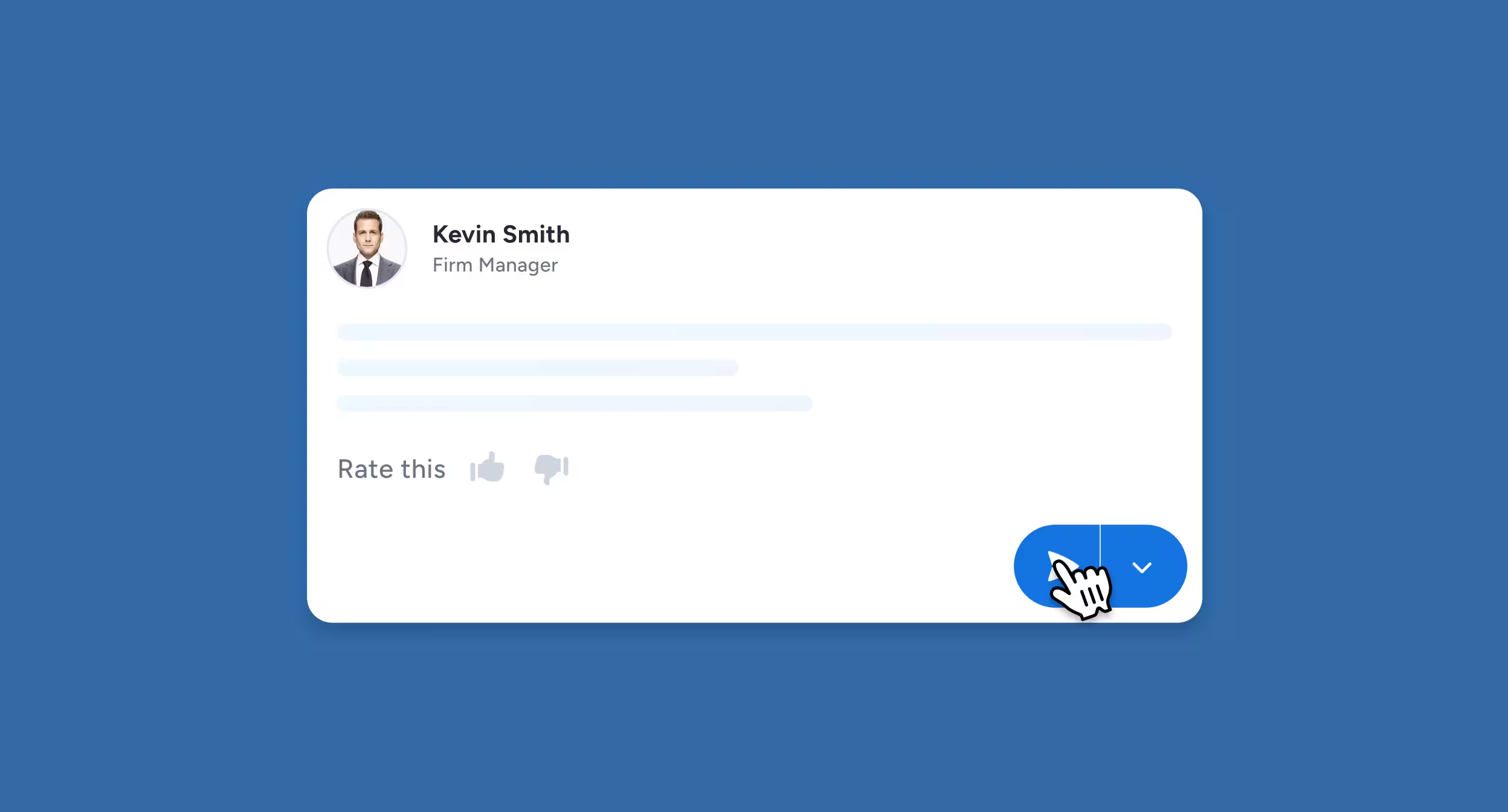
Teams can review translated messages before they reach clients to ensure accuracy and tone.
User review card with profile photo of Kevin Smith, Firm Manager, showing a rating prompt with thumbs up and thumbs down icons and a blue dropdown button with a hand cursor.

Intelligent Language Detection

Client app and browser portal automatically detect device language settings and display all platform content (stage descriptions, templates, UI copy) in that language.
Preferred language detected illustration

Remove Language Barriers Without Leaving Your Case Management System

Messaging and Updates

All case status updates, appointment reminders, and staff communications are automatically translated based on the client's language preference.

Client Portal Access

Every element of the client-facing portal, including navigation, forms, and instructions, will be displayed in the client's preferred language.

Automated Communications

Bulk messages and automated workflows respect language preferences without the need to create separate campaigns for each language.

Historical Records

Each message will display a complete, bilingual history, maintaining compliance and context for legal documentation.

Serve a Larger Community

When you’re not limited by language, you can attract and serve a larger client base.

Secure Translation That Protects Client Confidentiality

SOC 2 Type II Compliance

All translated messages maintain enterprise-grade security standards throughout the entire translation process.

No Third-Party Data Sharing

Unlike consumer translation tools or APIs, client messages never leave the Case Status secure environment or are used to train external AI models.

Health Insurance Portability and Accountability Act (HIPAA) Compliance

For firms handling medical-related cases, translated communications that contain protected health information remain fully compliant.

Attorney-Client Privilege Protection

Translations happen within your secured case management system, maintaining the confidentiality required for privileged communications.

Legal Translation Software FAQs

How accurate are the translations?

Translations are powered by AI trained on legal communication patterns, case terminology, and message context. Because they occur inside Case Status, translations reflect the full picture — making them significantly more accurate than generic external tools.

Which languages are supported?

Case Status Translate™ supports dozens of major languages. New languages are added regularly based on client needs across global and multicultural markets.

Is the translation secure?

Yes. All translations are encrypted, never stored outside Case Status, and comply with legal privacy requirements. No third-party translation tools receive any client information.

Can clients choose their preferred language?

Absolutely. Clients select their preferred language in the app, and Case Status automatically handles translation in both directions.

Does Case Status Translate™ work for both messages and updates?

Yes. Messaging, appointment reminders, case updates, and other notifications can all be translated automatically.

Break Down Language Barriers, and Uplift Clients

With Translate CI, firms no longer have to choose between inclusive service and operational speed. With seamless translation built directly into your workflow, you can expand your reach, support diverse communities, and deliver a higher standard of client care.