Client communication summaries that deliver the full story in seconds

Summary powered by Client Intelligence delivers instant AI-generated case summaries with sentiment scoring—so any team member can understand case history, client mood, and next actions without diving through hour-long email chains and file feeds.
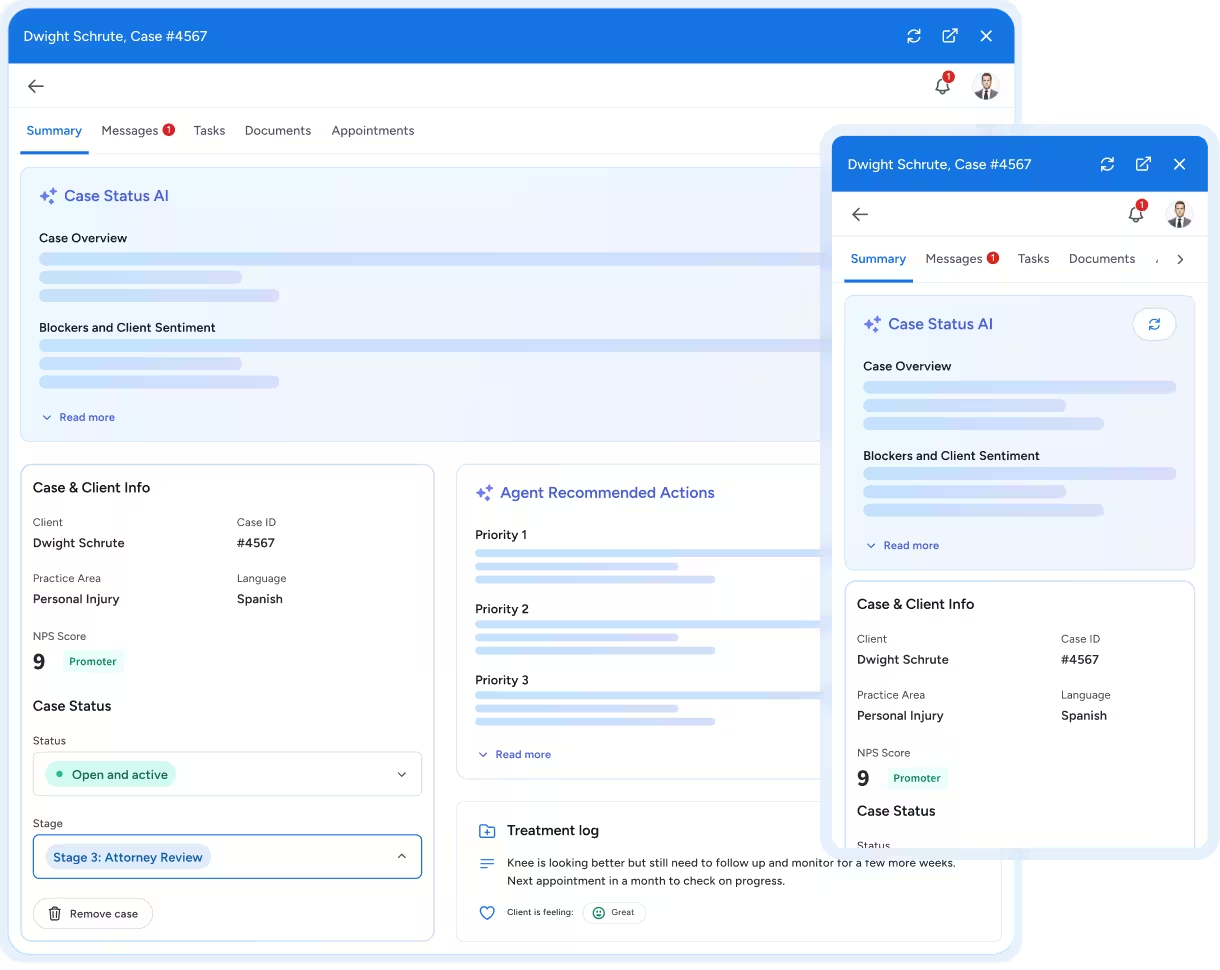
Dashboard interface showing case summary for client Dwight Schrute, Case #4567, with sections for Case Status AI, Case & Client Info indicating Personal Injury and Spanish language, Agent Recommended Actions with three priority tasks, and a treatment log noting knee progress and client feelings.
Smooth gradient background transitioning from blue at the bottom to black at the top.

Click, Review and Act. It's That Simple.

Instead of spending hours parsing through file activities, team members can now instantly orient themselves on any case. This increased accessibility means broader coverage and more meaningful conversations, resulting in a better client experience. Here’s how it works:

AI Generates a Comprehensive Summary for Every Client

Client Intelligence analyzes all case data—messages, appointments, documents, stage progression, communication patterns, and interaction history—to create a concise, readable overview of the entire client relationship. No more scrolling through endless activity feeds or reading months of message threads.

See It In Action

Sentiment Scores Reveal Client Mood

Once Summary CI has created a client overview, it’ll output a quantitative score between 1 and 5, along with a qualitative (narrative) sentiment analysis. This helps team members understand if clients are satisfied, frustrated, or at risk of an escalation before you engage. Plus, these scores track changes over time to flag sentiment disintegration or improvements.

Actionable Recommendations

Each summary includes an overview of any blockers. These can include missing documents, overdue appointments, unresolved questions, or follow-up items that need attention. The tool provides recommended next actions needed to maintain momentum and improve the client experience.

See it in action

Catch Up On Any Case In Seconds, Not Hours

Comprehensive Case Overview
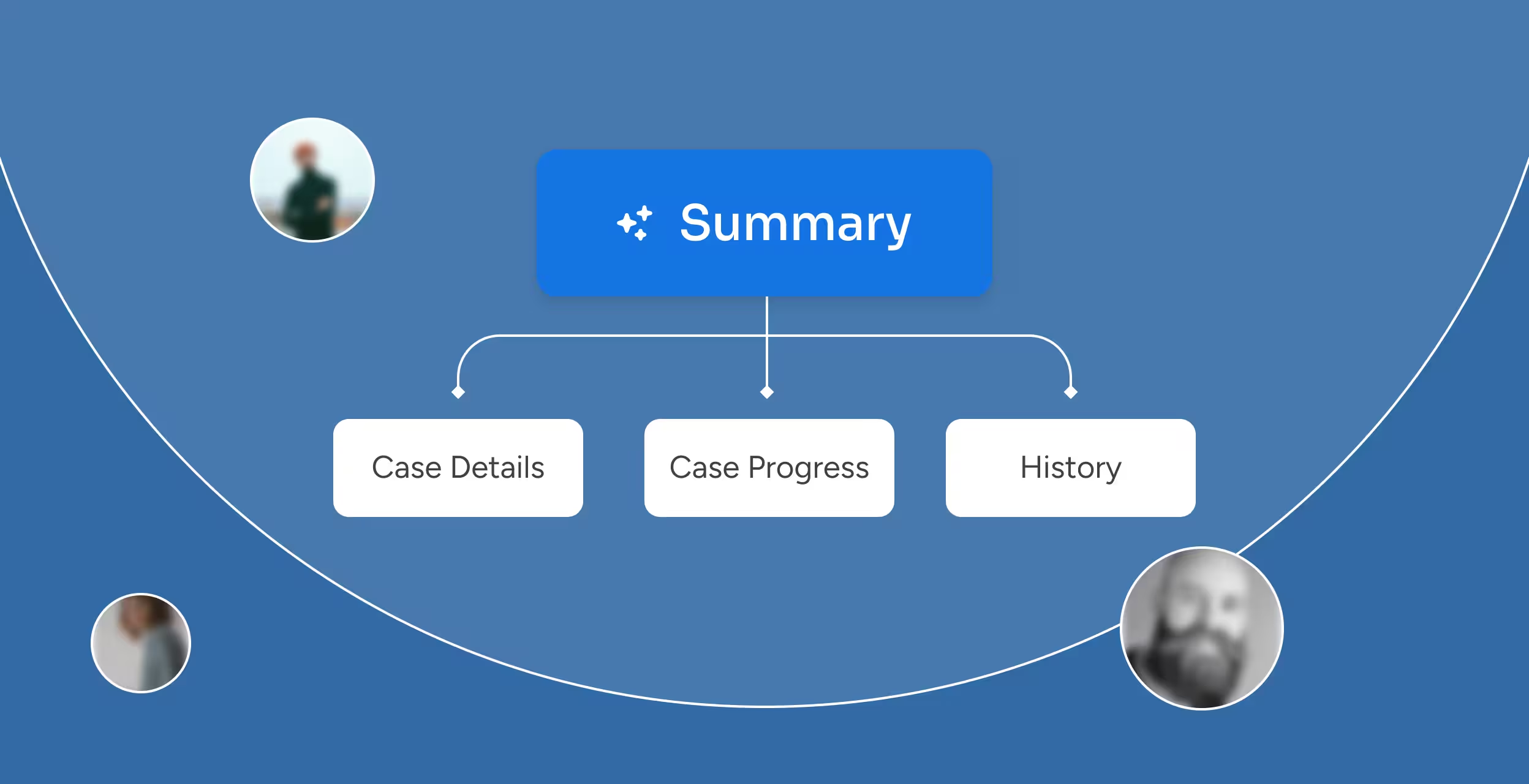
AI-generated summaries provide critical information, such as case ID, incident details, case stage, and key participants, in a single, scannable view.
A summary chart detailing the comprehensive case overview.

Dual-Layer Sentiment Analysis

AI analyzes engagement patterns, tone, and behavioral signals to produce a score and a qualitative narrative that reflect client sentiment.
Blue chart with a dotted line pointing to a badge displaying the number 7 and the word Passive.

Blocker Identification

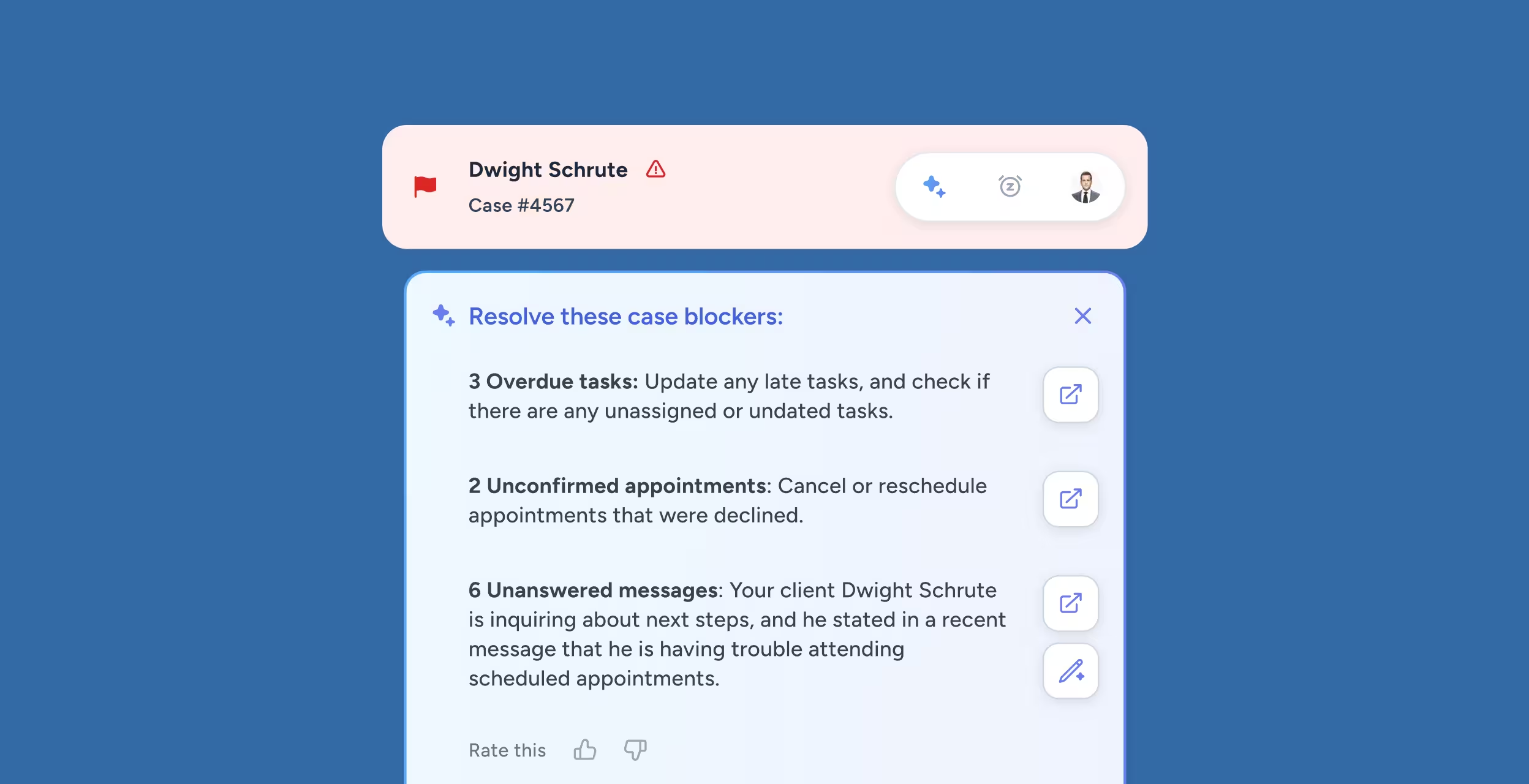
The system automatically flags risks to case progress, like unanswered client questions and documentation gaps, with information on each task’s inputs and required actions.
Case management interface showing Dwight Schrute's case #4567 with alerts for 3 overdue tasks, 2 unconfirmed appointments, and 6 unanswered messages about scheduling issues.

Follow-Up Item Recommendations

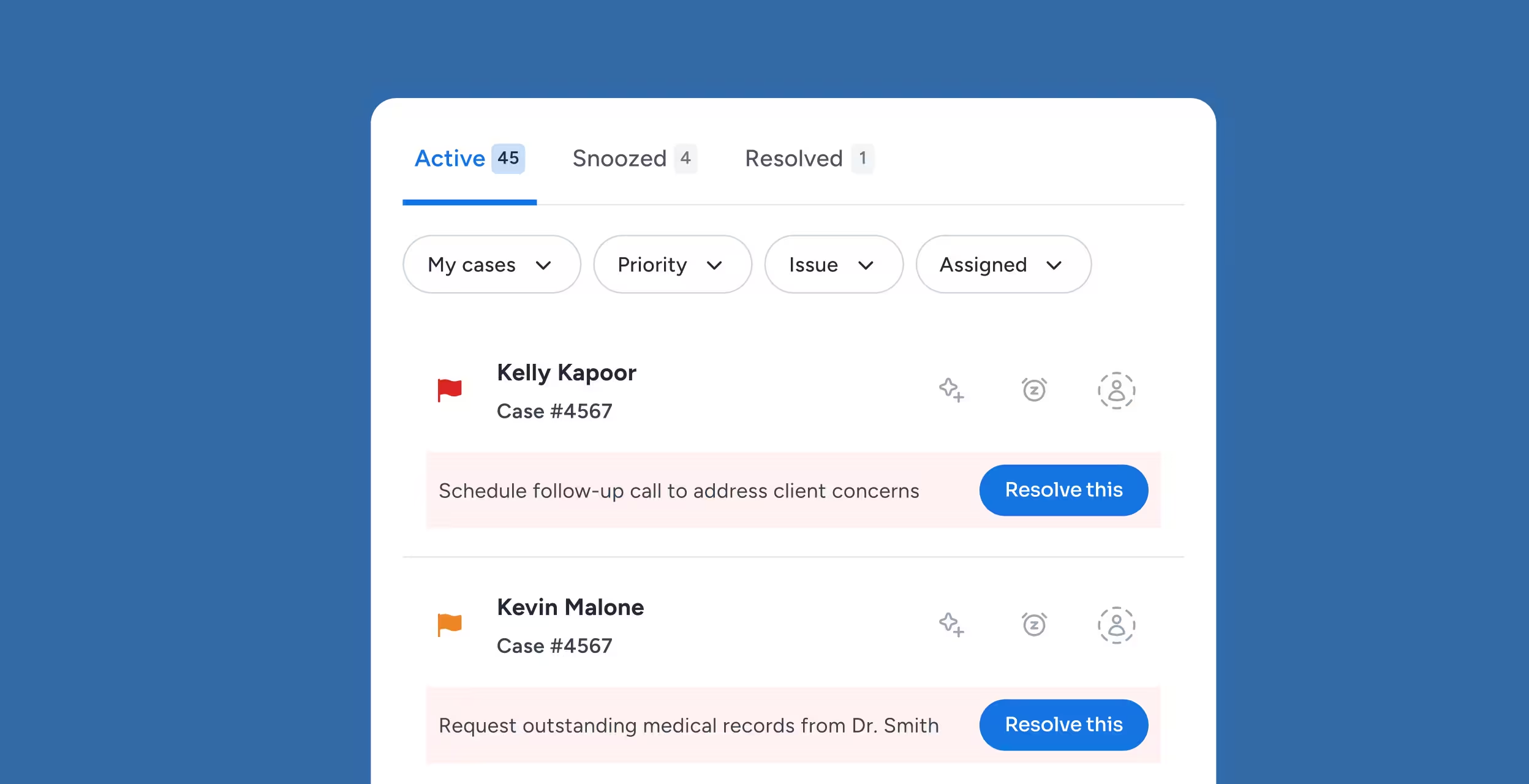
These messages include detailed instructions and case-specific guidance, so staff know exactly what to do next.
Customer support dashboard showing two active cases, with case details, priority flags, action buttons, and filters for cases, priority, issue, and assigned.

Real-Time Updates

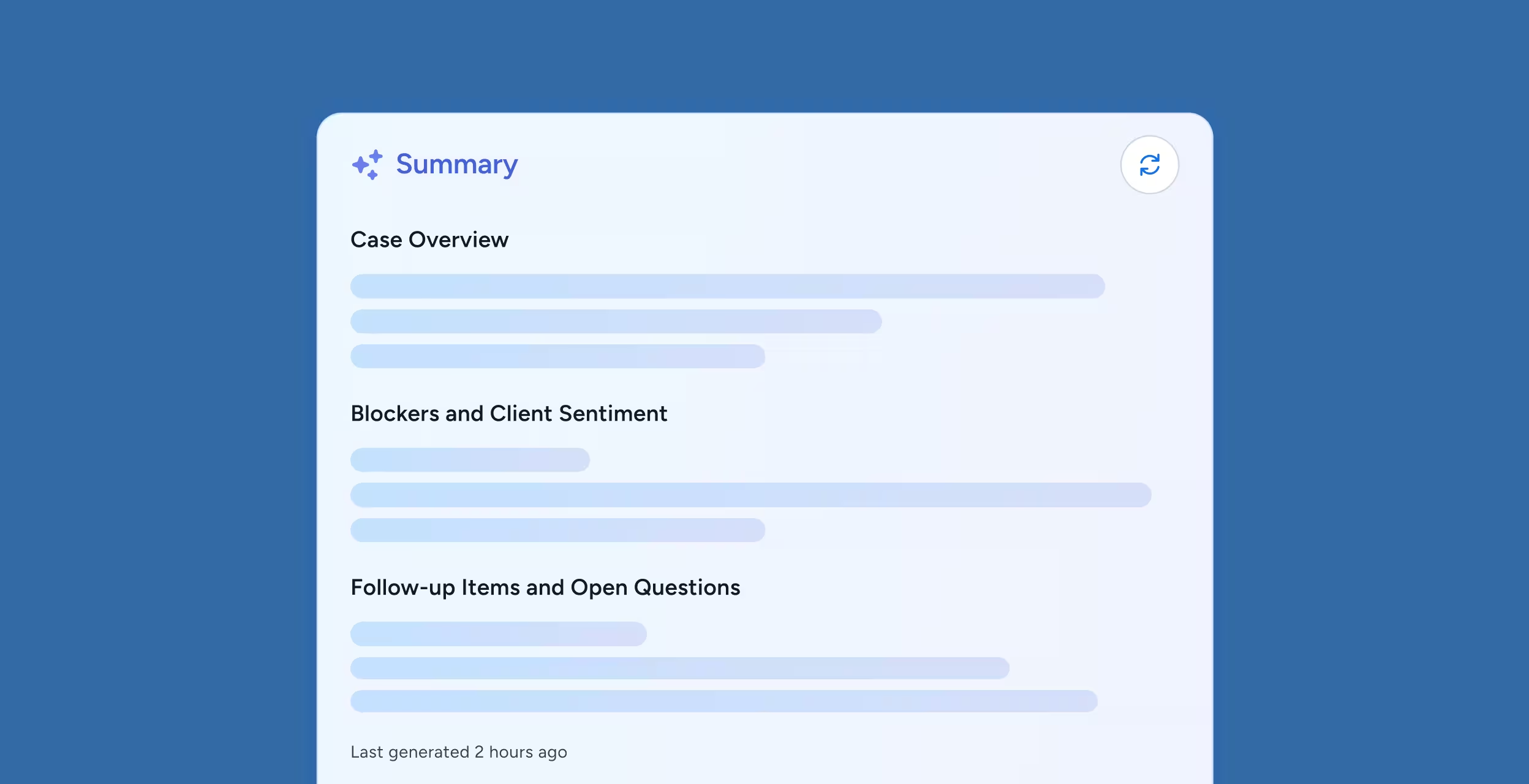
Each summary automatically gets updated activity logs with timestamps, so you’re always looking at the most recent information.
Screen showing a summary with sections for Case Overview, Blockers and Client Sentiment, and Follow-up Items and Open Questions in a light blue panel on a darker blue background.

Universal Accessibility

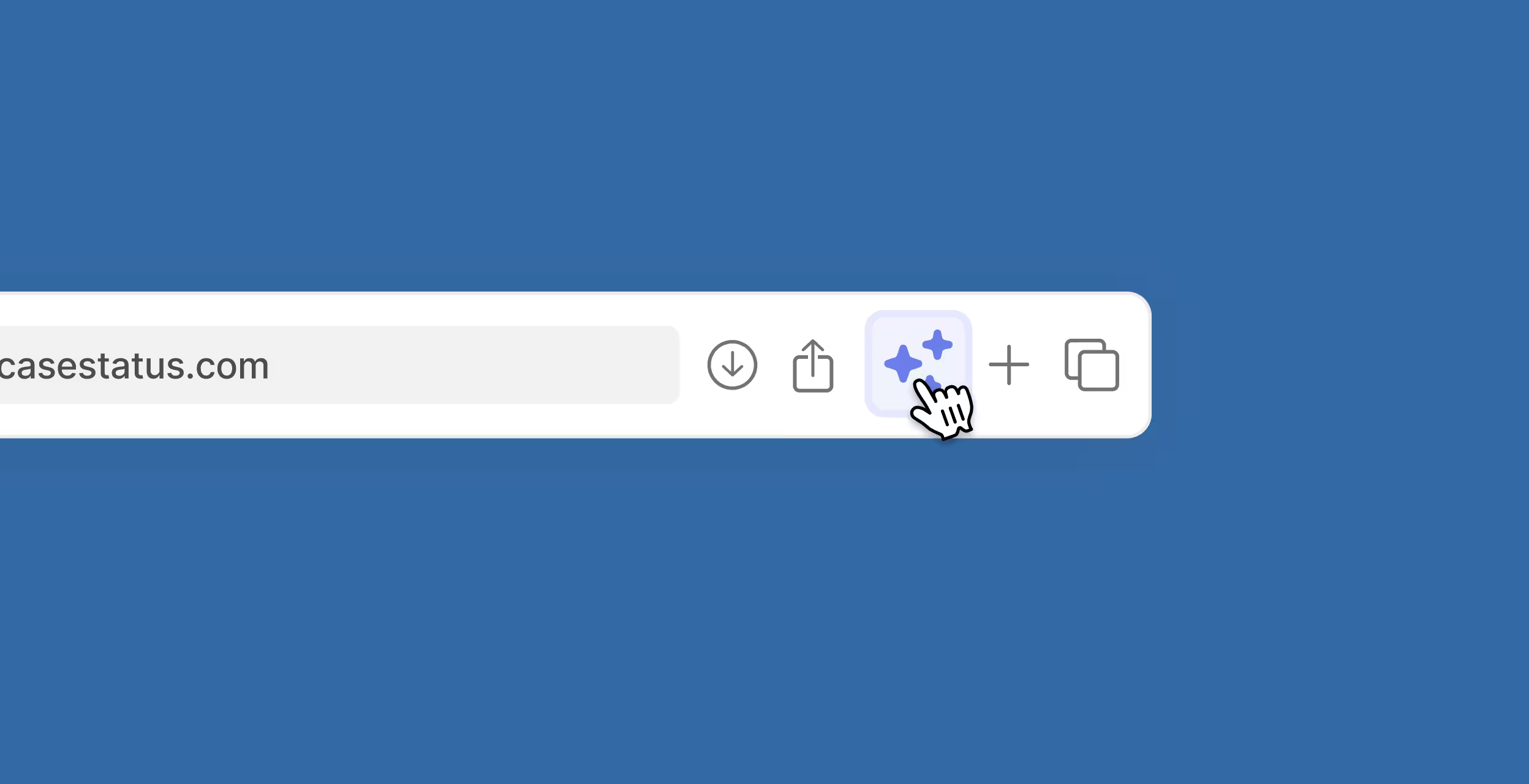
The Case Status platform or browser extension allows you to easily access case summaries and client sentiment from your preferred means.
Browser address bar showing casestatus.com with a cursor clicking a button displaying two blue sparkle icons.

Give Every Team Member The Full Picture Without The Deep Dive

Firms collaborate best when they’re all working at the exact source of truth. Summary powered by CI offers core visibility, giving every team member access to the same case intelligence regardless of their direct involvement.

Seamless Case Coverage

Pass information between staff in seconds, and cover for staff who are out sick, on vacation, or transitioning cases.

Go Into Client Conversations Informed

With sentiment scores generated in seconds, staff are empowered to answer client questions with confidence.

Manager Oversight at Scale

With case summaries available at scale, firm owners and supervisors can review cases quickly to identify patterns, spot at-risk clients, and ensure consistent service.

Staff Empowerment and Confidence

Summary powered by CI empowers junior team members to quickly develop the same contextual understanding as senior staff.

Catch Client Dissatisfaction Before It Becomes a Bad Review

Detecting Sentiment Shifts Early

AI tracks sentiment trends over time. This means that any changes in sentiment will get flagged before frustration has a chance to escalate.

Recognize “Us Problems” vs. “We Problems”

Each sentiment analysis offers necessary context to distinguish points of tension, so your staff knows when and how to intervene.

Proactively Manage Relationships

By measuring sentiment in real time, managers can quickly spot dips and reach out to contacts to resolve issues.

Damage Control Before the Damage Happens

Firms that tend to clients at the first sign of trouble can prevent bad reviews, saving time spent responding to them.

AI Case Summary Software FAQs

How accurate are the AI-generated case summaries?

Summary powered by CI ensures 100% accuracy by pulling all case information from firms’ internal materials. This includes client communications, documents, appointments, and updates.

Each summary reflects real activity, which ensures your team can trust the insights to be accurate and up-to-date.

How does sentiment scoring work and can I trust it?

The system analyzes client language, tone, and engagement trends to assign quantitative and qualitative sentiment scores.

These scores provide a snapshot of satisfaction or concern and are backed by continuous model training on real client interaction data. This gives staff a reliable read on client mood.

Can Summary CI help identify why a client's sentiment changed?

Yes. Each summary includes information about when and why an engagement shifted. Teams can instantly see whether a tone change stemmed from case delays, communication gaps, or milestone updates.

How often are case summaries updated?

Summaries refresh automatically as new information is added to Case Status. Every time a message, appointment, or document changes, the sentiment analysis will change, too. This allows staff to see the latest insights without scrolling through long histories.

Who can access case summaries, just case handlers or the entire firm?

You can configure access to exclude or include any role. Any authorized staff member will be able to understand a client’s full history and sentiment without having to dig through correspondence.

Respond Faster. Build Stronger Relationships.

If you’re ready to eliminate the tension between deep case knowledge and operational efficiency, try Summary CI. Summary CI from Case Status delivers instant, all-encompassing case intelligence, turning hours of file review into seconds of clarity.